Tech
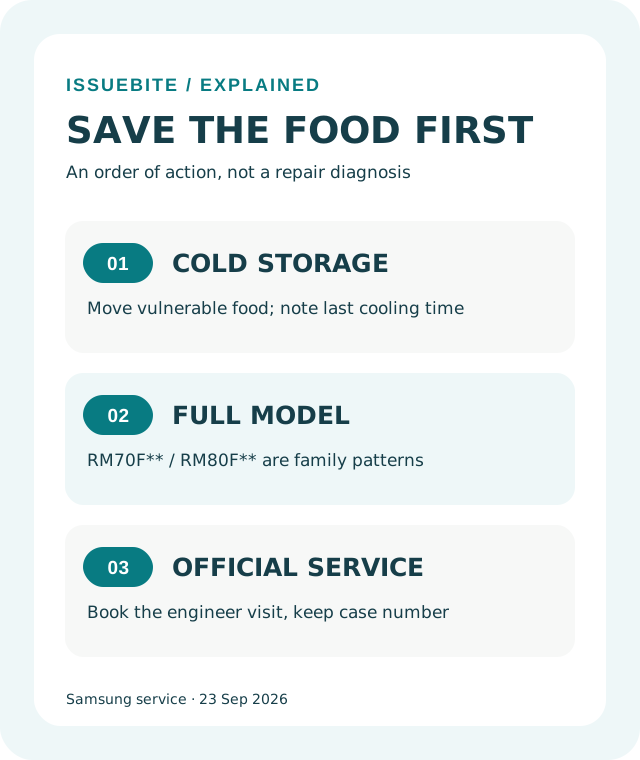
- Samsung fridge won’t turn on after an update? Check the model, protect food, book service
A Korea-specific guide to Samsung’s 23 September notice for RM70F and RM80F refrigerators: what the notice actually covers, how to protect food, and where to request a technician.
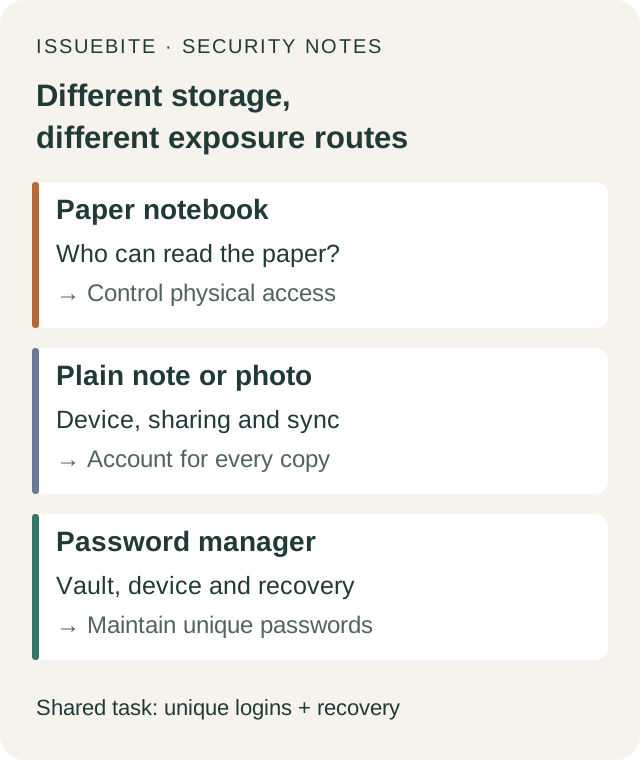
- Is a password notebook unsafe? Fix reuse before throwing it away
A Korean community debate asks whether writing passwords down is reckless. The useful answer depends on access, reuse, phishing and recovery—not simply paper versus an app.
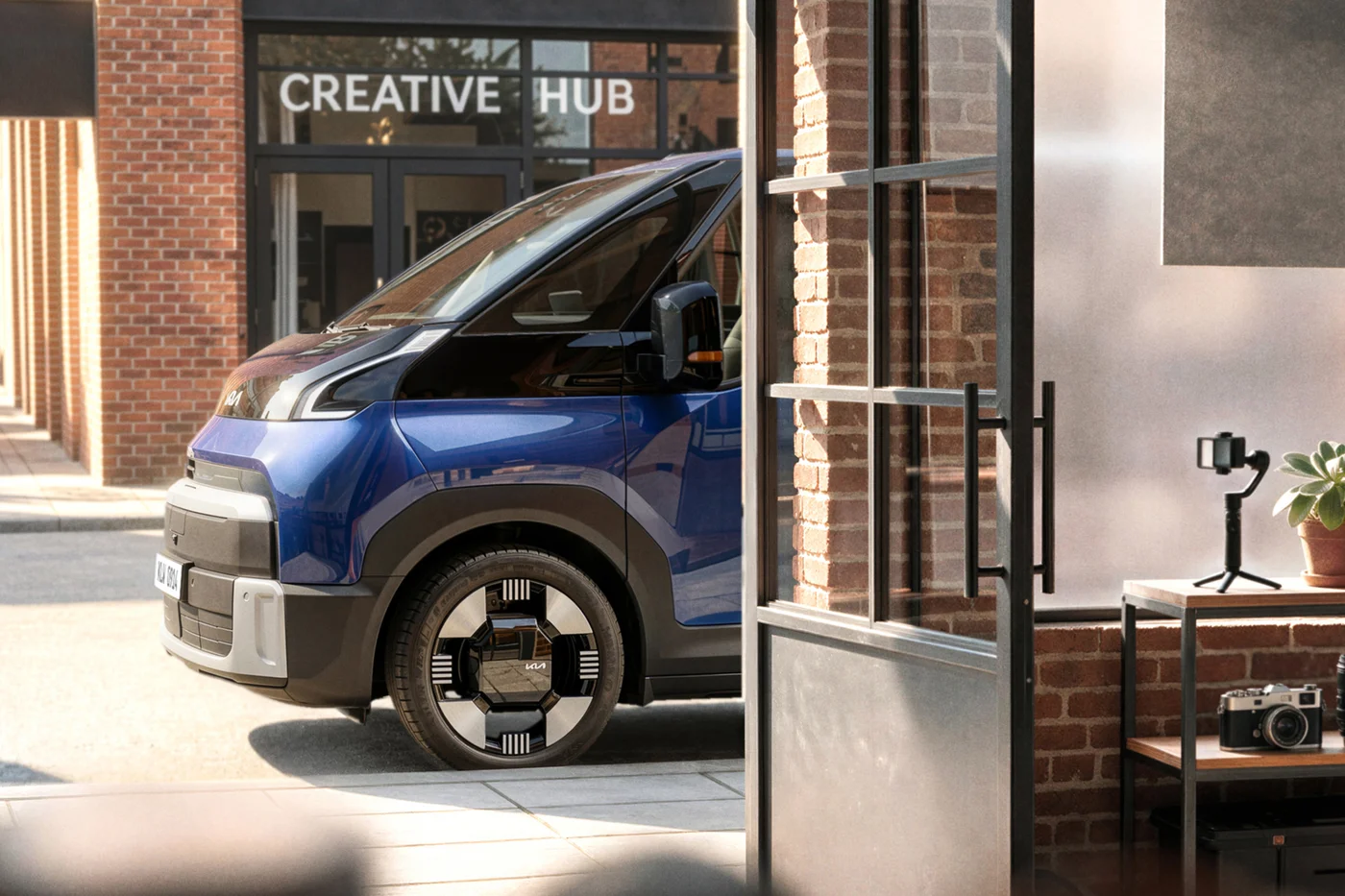
- Kia PV7 or a Carnival? What to check before waiting for the electric family van
Kia's new electric van makes a tempting family-car candidate. Before waiting, separate launch plans from order availability, measure your parking space, and read the range and charging qualifications.
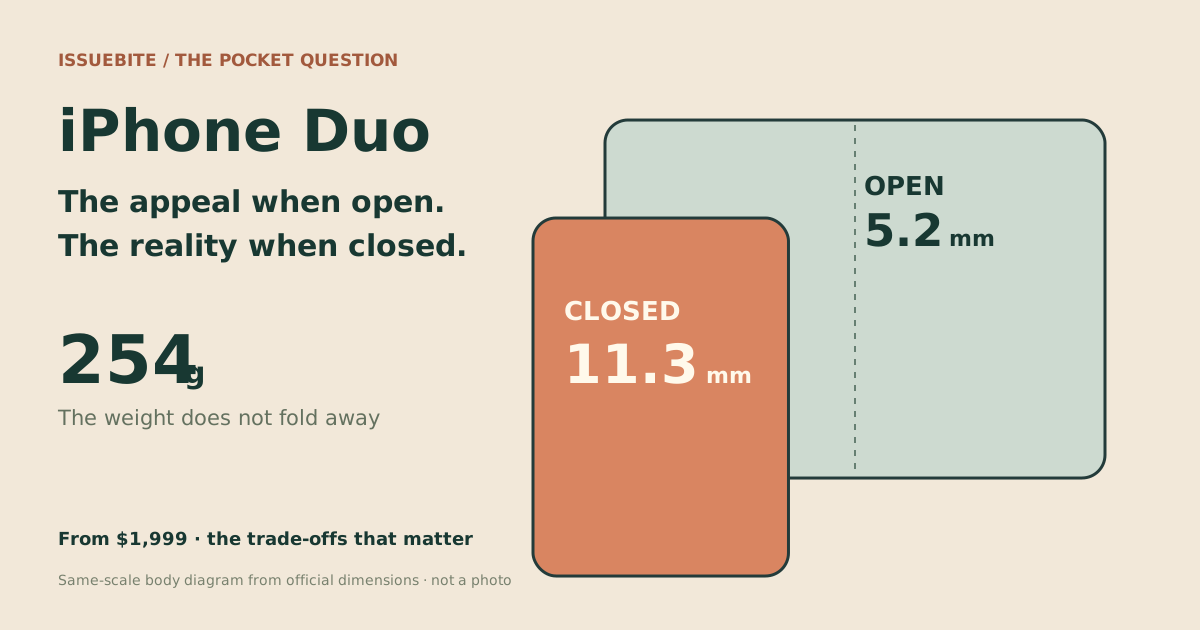
- iPhone Duo at $1,999: the case for it—and the case for waiting
Open it and the appeal is clear. Close it and you carry 11.3mm and 254g. We examine the trade-offs behind Split View, the cameras and the claim that it replaces an iPad.
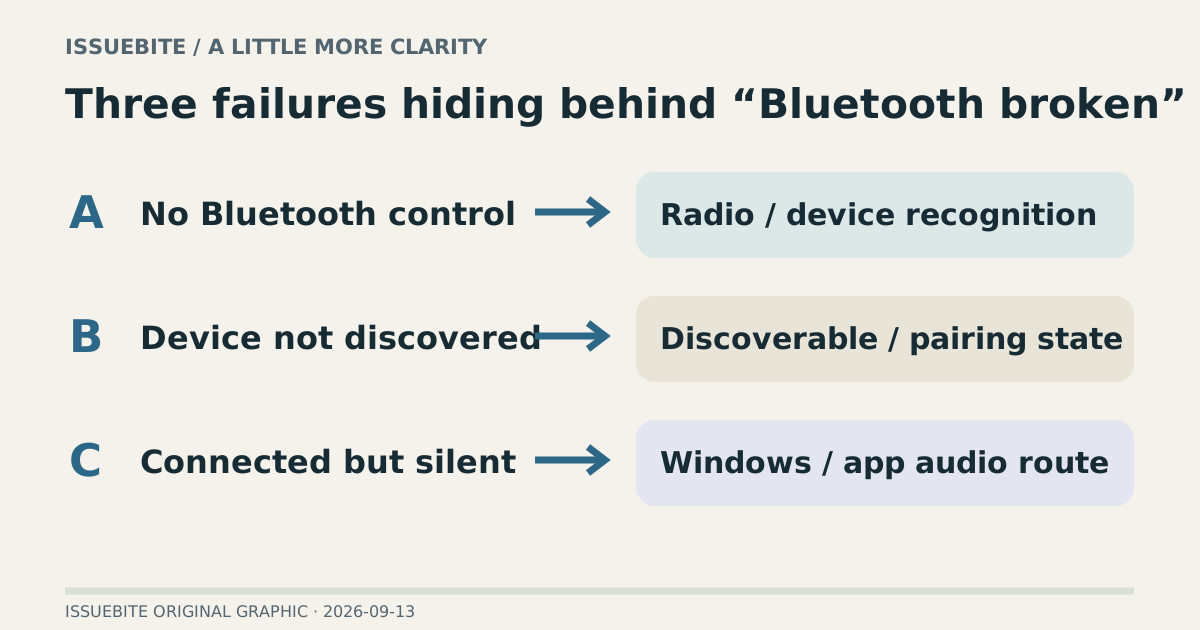
- Before buying a Bluetooth dongle, identify which Windows problem you have
A missing Bluetooth control, an undiscoverable headset, and silent connected earbuds are different problems. Here is how to choose the next useful action.
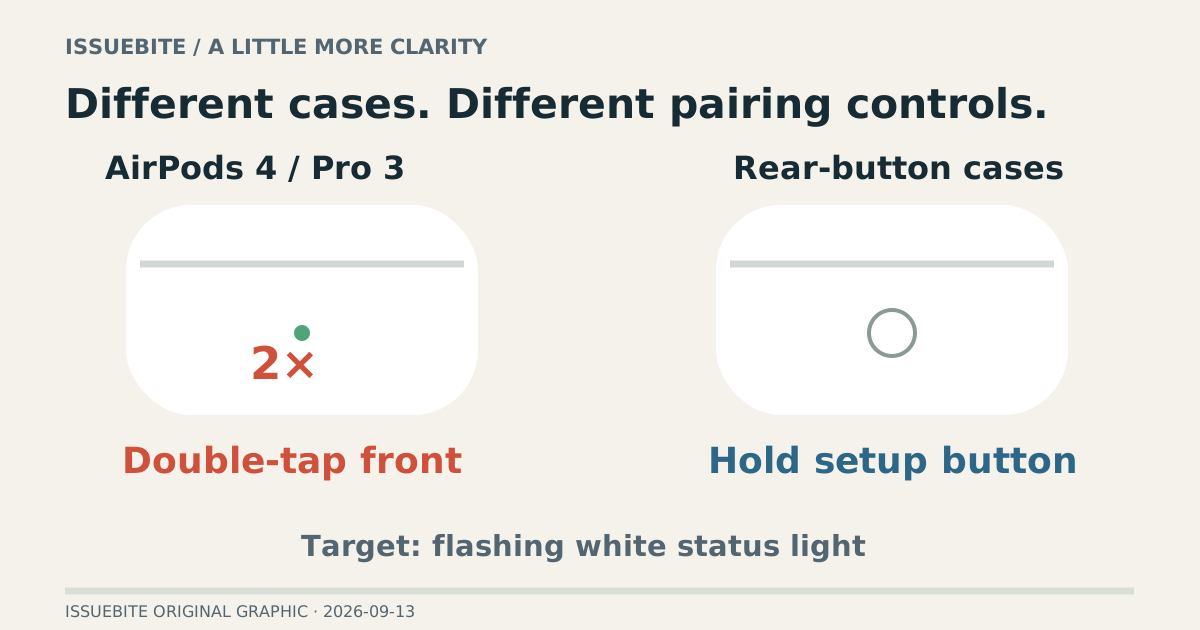
- Five minutes before a meeting, Windows cannot find your AirPods
No button on the back does not mean a defective case. Pairing differs by AirPods generation, and a successful connection is only part of getting meeting audio ready.
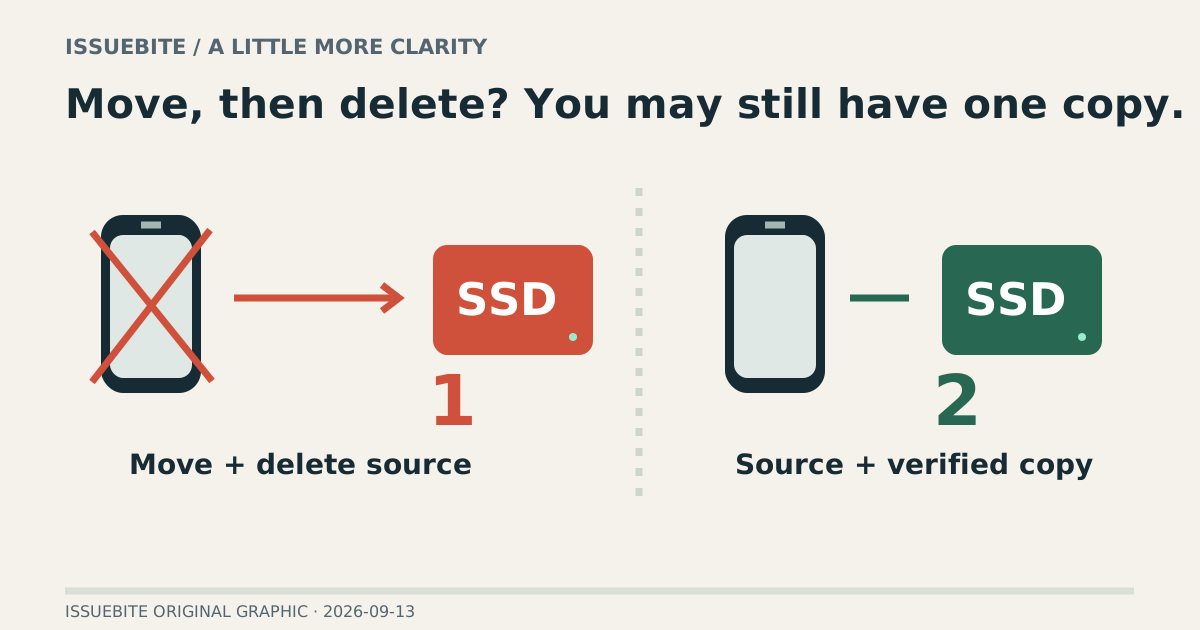
- Moving iPhone photos to an SSD is not always the backup you think it is
Your phone has more free space. Are your photos safer? Distinguish moving from backing up, then check the connection, copy, and retrieval before removing originals.
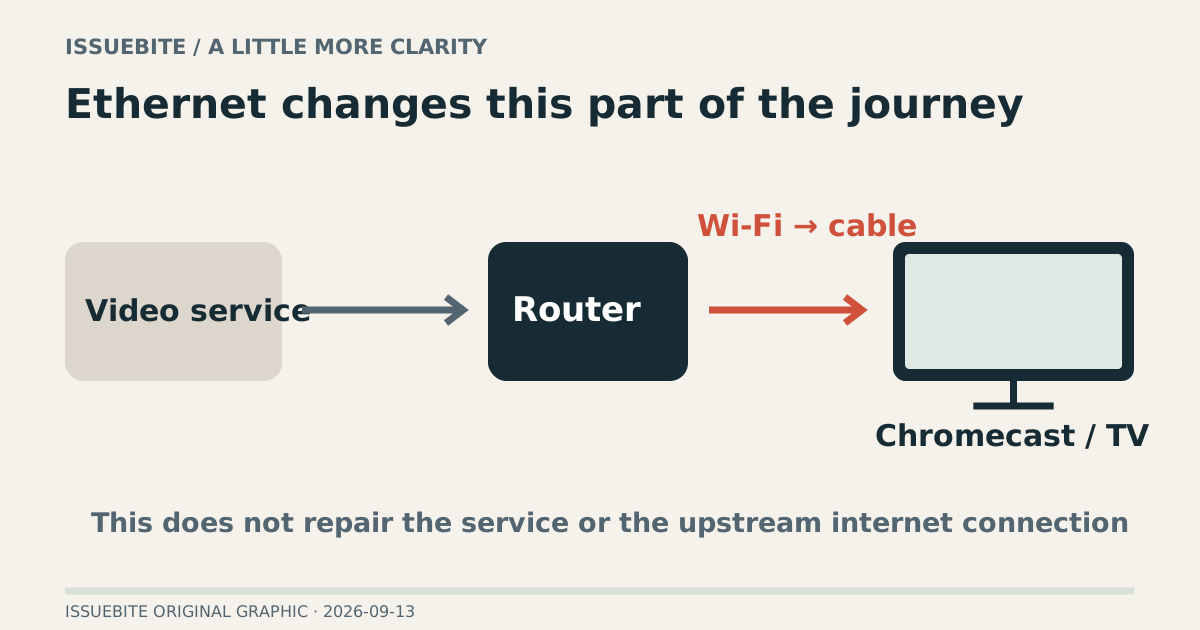
- Will an Ethernet adapter stop Chromecast buffering? Only if it fixes the weak link
Ethernet changes the local wireless link. It does not automatically repair a service outage, router failure, or unsuitable power setup. Match the adapter to both the device and the problem.
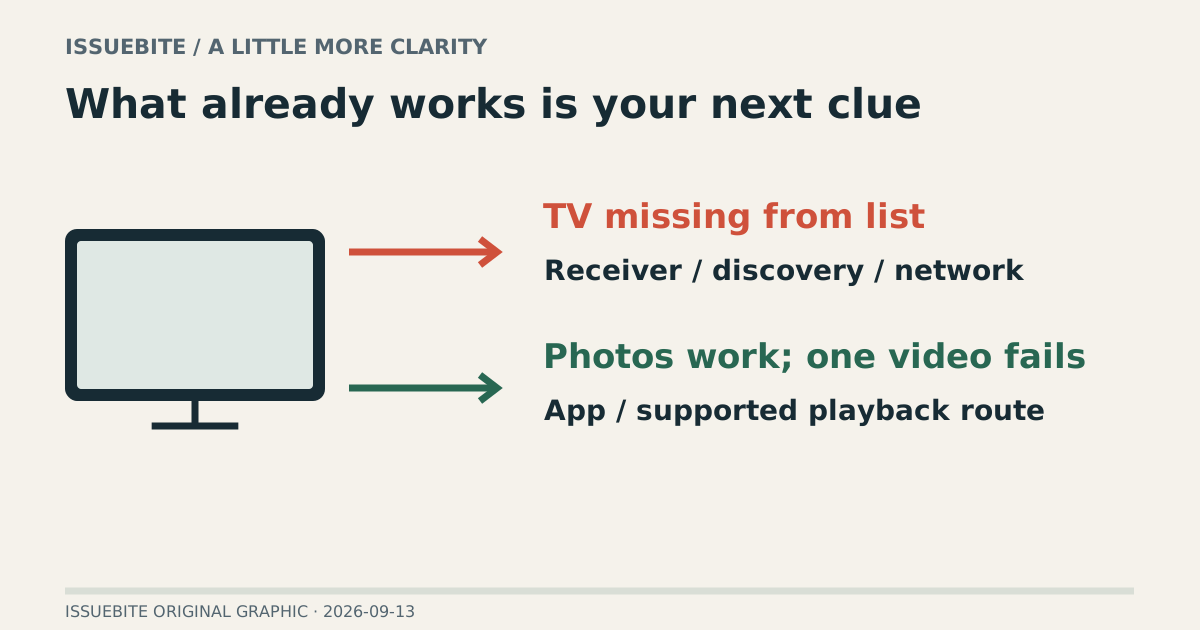
- Your iPhone mirrors to the TV, but the video is black. Is Wi-Fi really the problem?
A missing receiver and a black video inside a working mirrored screen are different failures. Find where AirPlay stops before replacing network hardware.
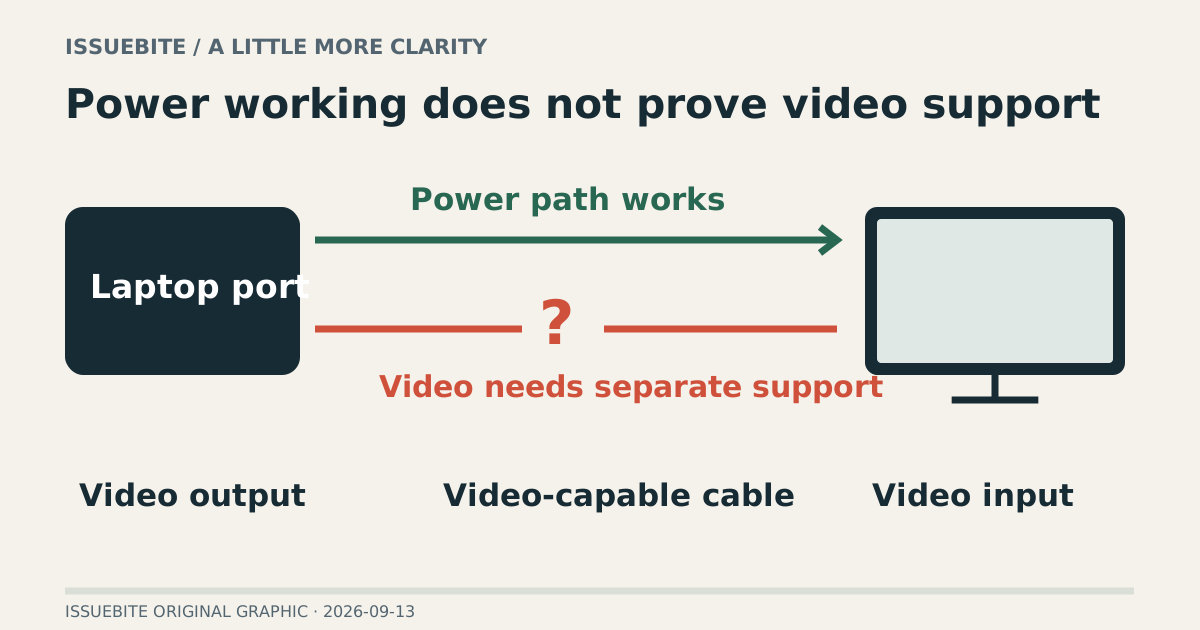
- Your USB-C cable charges the laptop. Why is the monitor still black?
Power arriving is not proof that video can travel. Trace the laptop, cable, and display before spending money on a replacement that may solve the wrong problem.