
Your old Switch card fits Switch 2. That does not make it game storage
The old card may fit and have plenty of space, yet still be unsuitable for Switch 2 game storage. Read the compatibility label before the capacity label.
Reusing the large microSD in your old Switch sounds sensible. Surely the tiny card can skip another upgrade cycle? For Switch 2 game storage, the deciding word is Express. The same physical outline does not establish the same supported use.
The game-storage requirement is microSD Express
Nintendo specifies microSD Express for Switch 2 game-storage expansion. A high capacity or impressive speed class on an ordinary microSD does not replace that requirement. Read the exact standard and Switch 2 support before the GB or TB figure.
Nintendo also notes an internet-connected system update for initial use. If the plan is to open everything while traveling, prepare the card and console before leaving. Even a small accessory can have a first-use requirement.
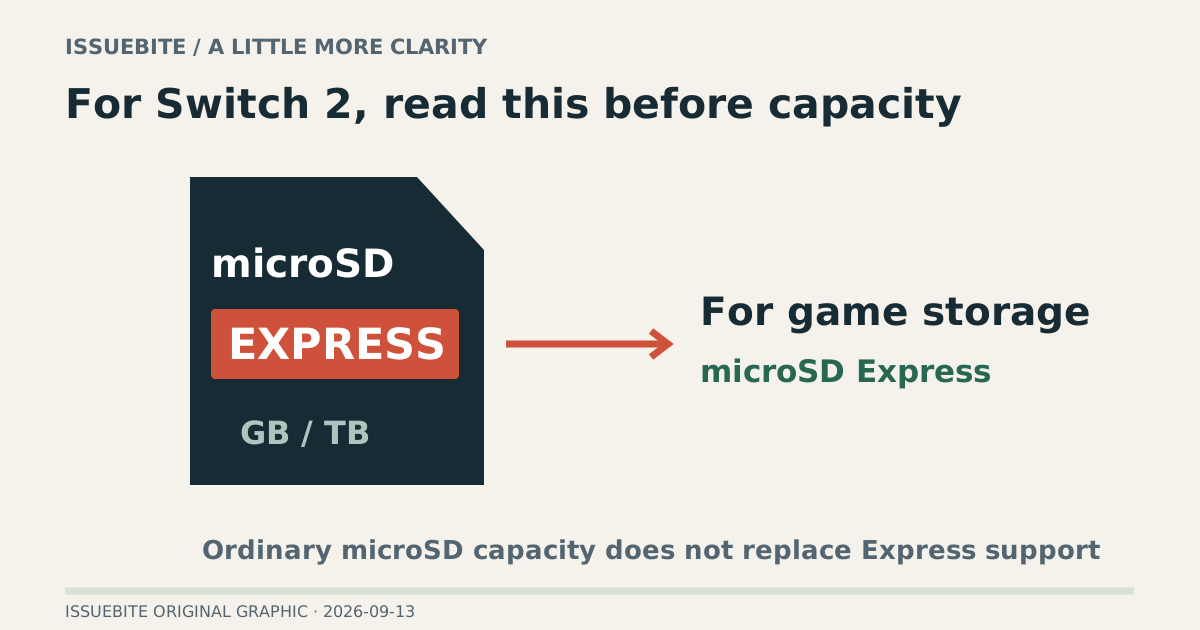
Ordinary microSD is not supported for Switch 2 game storage
Nintendo requires microSD Express for Switch 2 game storage. A conventional card’s speed marking does not make it an Express card.
Scope of the evidence There is an exception for reading original Switch captures. Seeing a file does not establish game-installation support.
The old card may still contain something worth keeping
An older card may hold screenshots and videos from the previous Switch. Nintendo distinguishes certain uses involving that material from Switch 2 game storage. “Not suitable for this game-storage job” is not a reason to immediately erase the contents. Inspect and preserve the media first.
Reading material from an old card is not the same as installing Switch 2 games on it. A report that “the console read my card” needs that context before it becomes purchase advice.
Separate game storage from importing captures to understand the exception.
| Card and purpose | On Switch 2 | Next step |
|---|---|---|
| Ordinary microSD / gamesNot supportedMatching capacity or shape does not match the interface. | Not supportedCannot reuse for game storage | Check ExpressInterface before speed claims |
| Ordinary microSD / capturesLimited useCapture reading is a different task from game storage. | Read capturesScreenshot and video exception | Preserve firstKeep your important captures |
| microSD Express / gamesSupported with setupThe capacity limit is not a recommendation to buy that much. | Up to 2TBSupported for game storage | First-use setupInternet system update |
How to read this Nintendo says Express cards used in an original Switch operate at conventional microSD read/write speeds.
Choose capacity after compatibility
After establishing compatibility, choose capacity around the games you will keep installed and some room to grow. Nintendo lists support up to 2TB; that ceiling is not a universal shopping recommendation. The installed sizes of games you actually play are a better starting point.
Check the standard, capacity, seller, and return conditions together. Gaming artwork and prominent speed claims do not replace a clear compatibility statement. Once it arrives, confirm recognition and a small installation before relying on the new storage.
Reader conversation
Community ↗Questions, first-hand results and different perspectives are welcome. Counts reflect real member activity only.
Moderation
Sources and verification notes
- Nintendo — microSD and microSD Express compatibility ↗Checked 2026-09-14
What this source supports
- The game-storage requirement is microSD Express
- Ordinary microSD is not supported for Switch 2 game storage — Important / Compatibility table
- The old card may still contain something worth keeping
- Can the card in your drawer be reused? — Compatibility table
- Can the card in your drawer be reused? — Footnote *
- Can the card in your drawer be reused? — Footnote **
- Choose capacity after compatibility