
A Steam Deck dock changes the setup, not the processor
A dock is not a graphics upgrade. Its useful connections depend on whether you want a living-room console, a desk setup, or less cable swapping.
Putting a handheld game on the television changes the occasion. A docked Steam Deck can look like a living-room console. That transformation does not add graphics performance, though. Separating the setup upgrade from a processor upgrade makes the purchase much easier to judge.
Find the part you need
Display output is not rendering performance
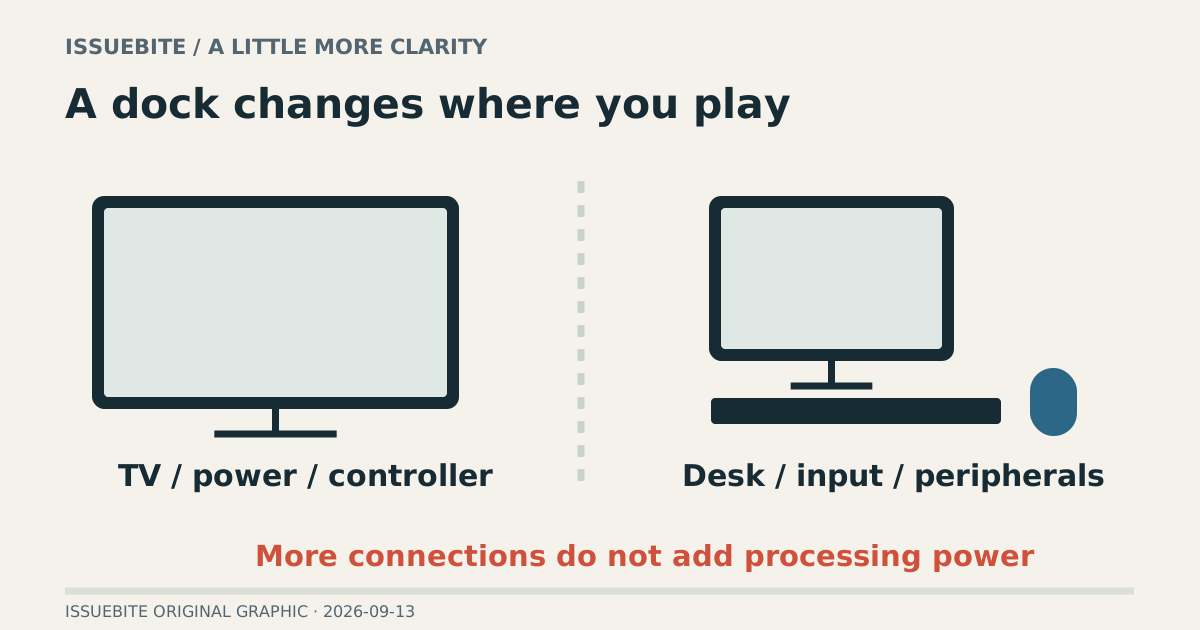
Valve does not describe docking as a performance boost. A dock’s output specification concerns the display signal it can carry; rendering a demanding game at that resolution is another matter. A 4K output label should not be read as a 4K gaming-performance guarantee.
On a larger television, adjust the game’s resolution and quality for readability, stability, and viewing distance. A larger screen does not require every rendering setting to become larger too.
The living room and the desk need different docks
The living-room setup revolves around video, power, and controller use. If a wireless controller and a stable network already work, a row of extra USB ports may add little. Cable direction and whether the stand fits your space can matter more than an impressive port count.
A desk may involve a keyboard, mouse, storage device, and Ethernet at the same time. Write down that combination rather than counting sockets in a photo. A setup with video and several peripherals deserves testing as a complete setup, not merely one device at a time.
The hub you own deserves an audition
If you already have a hub with the required display and power capabilities, try the existing path. Check the display, power during use, and simultaneous input devices. If those jobs are already solved, a new dock may primarily add neatness and a stand—valid benefits with a different price justification from higher performance.
For an unstable connection, check power, cable, display input, and compatibility rather than immediately blaming the dock. Follow Valve’s external-display guidance and record which change affects the result. A known working arrangement is worth keeping.
Pay for a better routine
A dock earns its place when one connection prepares the screen and controls, making play easier to begin. If you mostly stay in handheld mode, an elegant stand may become desk decoration. Last week’s actual play locations are a better guide than today’s largest port count.
Reader conversation
Community ↗Questions, first-hand results and different perspectives are welcome. Counts reflect real member activity only.
Moderation
Sources and verification notes
- Valve — Docking the Steam Deck ↗Checked 2026-09-13
What this source supports
- Display output is not rendering performance
- The hub you own deserves an audition