
Different languages, same game: the gamers GameBus wants to connect
A gamer social network starting with Korean, English and Japanese. Explore mobile and Steam game discovery, matching, posts, indie registration and the limits of its activity-points plans.
“같이 한 판?”, “一緒に遊ぼう”, “Want to play?” The words change, but the wish is familiar: someone who knows the game, can talk about a difficult section, or understands why a new item matters. GameBus is a gamer social network built around that common ground.
It currently supports Korean, English and Japanese, connecting interests around mobile and Steam games. Matching, game-specific posts, conversations and indie updates share one home. You can start with Android or the web; the developer’s longer-term aim is to connect people playing the same game even when they speak different languages.
This is a promotional feature for GameBus by JupiterSoft, a developer connected to IssueBite’s operator. It draws on public service information and developer materials, not an independent hands-on review.
Find the part you need
Start with a game, then introduce yourself
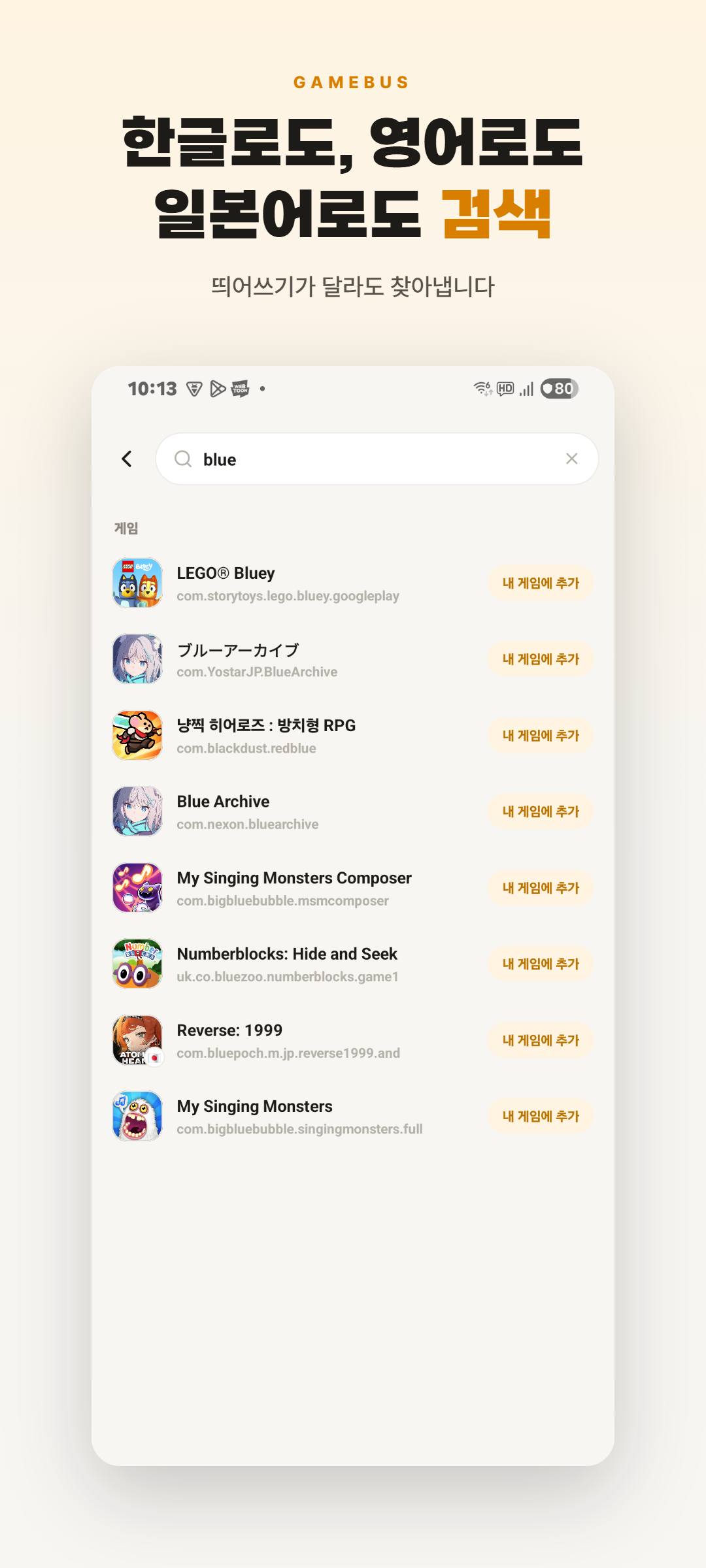
GameBus begins with the games you play rather than friends of friends. Mobile titles and a Steam library can both give you something concrete to talk about. Steam linking is described as bringing in your library and playtime.
On Android, installed-game recognition helps build that list without typing every title. Detection depends on the device and game catalog, so missing titles can be searched for and added manually.
For iOS, a prepared feature reads game names from a screenshot you select and matches them to a game list using AI text recognition. A public iOS app release and the feature in a released build have not been verified; iPhone users can currently start on the web.
 Open full-size screenshot ↗
Different words, familiar problems
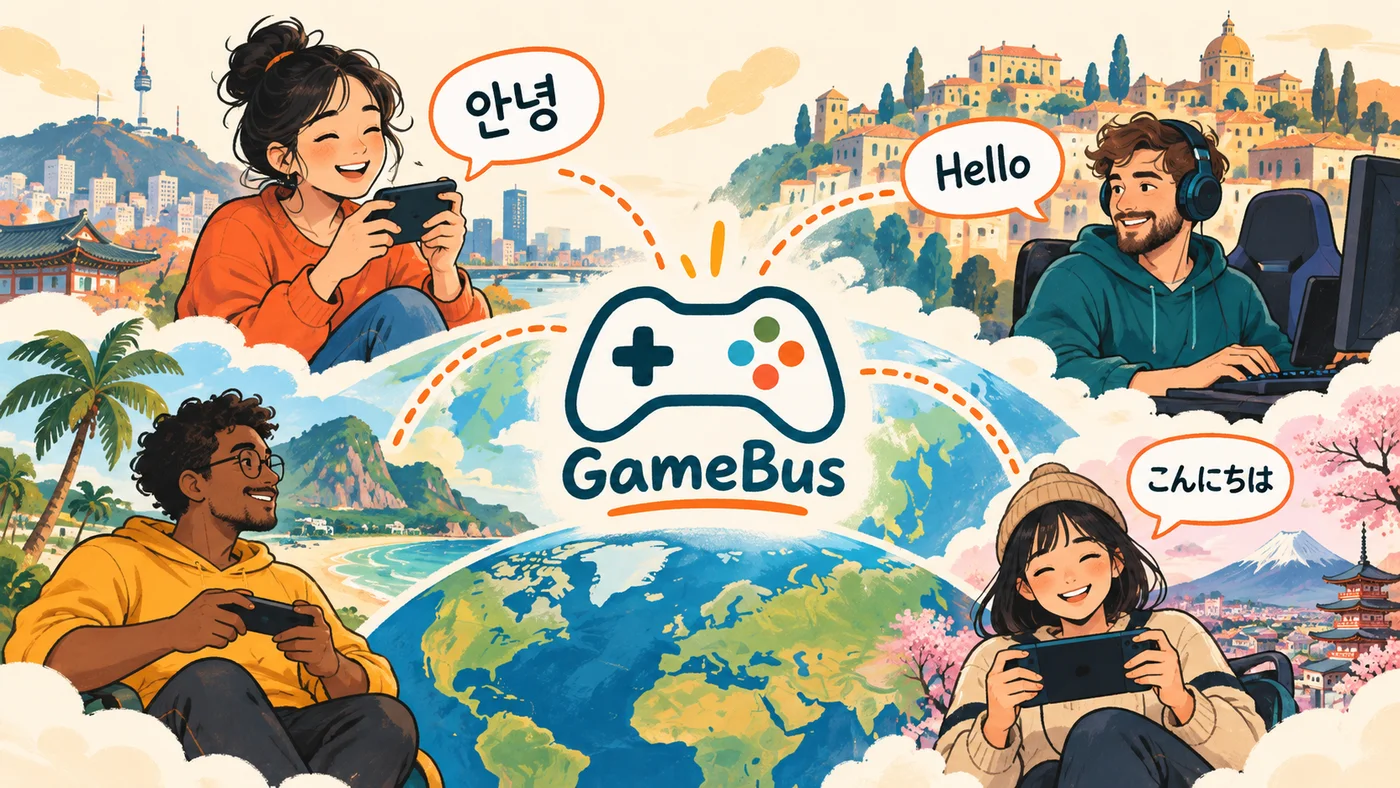
Korean, English and Japanese interfaces, along with post translation, are the current starting point. They can help with another region’s game names and posts in another language. Game jargon and abbreviations still deserve care: check the original when a condition matters.
The developer’s broader vision is a space where people playing the same game can communicate across languages: react to an update, share a strategy or arrange a session with a friend abroad. That is a direction beyond the current three languages, not a claim that every language is already supported.
 Open full-size visual ↗
“Two rounds at nine” is an easier invitation to answer
Availability can matter as much as skill. One player might need to leave in ten minutes while another expects a two-hour attempt. GameBus provides recruiting with a time and headcount, game-specific group rooms and direct messages, or DMs.
Here is an example you could adapt, not an actual user post: “Two rounds from 9 p.m. local time. Three players including me. Beginners welcome; text chat, no voice.” If you recruit across countries, specify the time zone too. Start time, session length, group size and communication style help someone decide whether the invitation fits.
Use recruiting to make the plan clear, a game room for the group conversation and a DM for individual arrangements. This can suit players who want to begin with one session rather than a standing commitment. Check the activity around your particular game, though: providing a recruiting tool does not mean a party will fill immediately.
Turn repeat searches into game conversations
Guides, tier lists, game news and referral codes are easy to search for again and again. GameBus organizes these topics around games and post categories, with photos, video, YouTube sharing and comments. You do not need a finished guide: a screenshot of the jump you keep missing can start a useful question.
Asking for help when you are short of hearts, or sharing a game’s referral code, is another possible use. A request post is not the same as a working in-game heart transfer. Rewards that need integration with a particular game do not arrive merely because a social post exists.
Notifications aim to bring relevant developments to you before another search. The implemented paths we checked include DMs, matching-related events and indie release alerts. This does not mean every guide, tier list or referral post is pushed to everyone. App notification permission and recipient conditions apply. Start with your games and the updates you care about.
 Open full-size visual ↗
Give a small developer a first audience
For an indie developer, reaching the first player can be as difficult as making the game. GameBus offers free developer registration and routes for introducing a game and sharing updates after eligibility checks and approval.
For players, it is a chance to discover something outside the biggest launches. A small detail—such as a collectible marble in TOROR—can be reason enough to follow a creator’s next change. Developers, in turn, can talk about what they are building and the feedback they need instead of stopping at a launch announcement.
Let gamers share in the value they create
GameBus is not positioned as a rewards app that pays people to click ads. Its proposed model returns part of the indirect advertising value created by posts and participation to users. Contribution-based points allocation logic and a points history screen are implemented. This is not a promise of a fixed payment for posting more.
As of September 21, 2026, the website describes activity coins used within the service, while Google Play describes points linked to a share of advertising revenue. These descriptions differ. The settlement code inspected uses an estimated impression value; actual ad-revenue payments or cash redemption have not been verified. Game-item purchases and smartphone or console discounts are future ideas supplied by the developer for this feature. Redemption partners, discount rates and availability dates remain unverified.
The idea is to share value if useful game conversations help the service grow. For now, join for people and information rather than a promised return.
Explore first; support it if you want it to grow
GameBus is an early-stage service accepting voluntary donations. Its official explanation names servers, translation and development as uses for support. A donation is not a prerequisite for using the service, an investment or a promise of profit sharing. It is an optional way to help keep the space running.
The web provides entry to feeds, recruiting, game rooms and DMs; installed-game recognition and push notifications are described as app features. Android is a free Google Play download with ads and in-app purchases. Check the official support page for the currently available donation route and amount.
The store describes the service as for ages 14 and up. Start conversations with the game rather than personal contact details, and use reporting or blocking for unwanted contact. One game on your list is a more useful first step than an elaborate introduction.
Reader conversation
Community ↗Questions, first-hand results and different perspectives are welcome. Counts reflect real member activity only.
Moderation
Sources and verification notes
- GameBus — official website and web/app feature guide ↗Checked 2026-09-21
What this source supports
- Start with a game, then introduce yourself
- Different words, familiar problems
- “Two rounds at nine” is an easier invitation to answer
- Turn repeat searches into game conversations
- Give a small developer a first audience
- Let gamers share in the value they create
- Explore first; support it if you want it to grow
- GameBus - Find Gaming Friends — Google Play ↗Checked 2026-09-21
What this source supports
- Start with a game, then introduce yourself
- “Two rounds at nine” is an easier invitation to answer
- Turn repeat searches into game conversations
- Let gamers share in the value they create
- Explore first; support it if you want it to grow
- GameBus — official voluntary support information ↗Checked 2026-09-21
What this source supports
- Explore first; support it if you want it to grow